L2 Segments
An L2 segment is a flat layer-2 network: machines attached to it can talk directly to each other, and nothing else is provided. No routing, no DHCP, no addresses — you configure all of that inside your machines.
Prerequisites
- Any role can view segments. Adding, renaming or removing one needs the Tenant Operator, Tenant Manager or Tenant Administrator role, acting in the chosen group. An organization-wide role acts in the Default group only; a Tenant Operator scoped to a group acts in that group.
L2 segments are available to every GPCN™ (Global Private Cloud Network™) account. They aren't tied to VPC networking, so you have them whether or not your account has moved. They're gated on permissions alone.
What an L2 segment is for
Reach for one when you want machines on the same broadcast domain and you want to own the addressing yourself:
- Running your own DHCP server, firewall or network appliance
- Clustering or heartbeat traffic that expects layer-2 adjacency
- Keeping a set of machines talking to each other independently of their routed network
L2 segments replace custom (L2) networks, which can no longer be created. If you were using a custom network for one of the jobs above, an L2 segment is where that work goes now. Existing custom networks keep working.
What a segment deliberately doesn't give you
An L2 segment is unrouted. That means:
| Not provided | Consequence |
|---|---|
| A CIDR range or gateway | You choose addressing inside the guest operating system |
| DHCP | Nothing hands out addresses unless you run something that does |
| Outbound internet | A segment alone gives a machine no route off itself |
| Public addresses | An interface on a segment can't carry one, and asking for one is refused |
The portal says so on the machine itself: an interface attached to a segment shows no address row at all, and carries a note explaining that it's unrouted.
A machine attached only to an L2 segment has no route to the internet and no managed address. Give it a VPC subnet as well if it needs either.
Manage segments
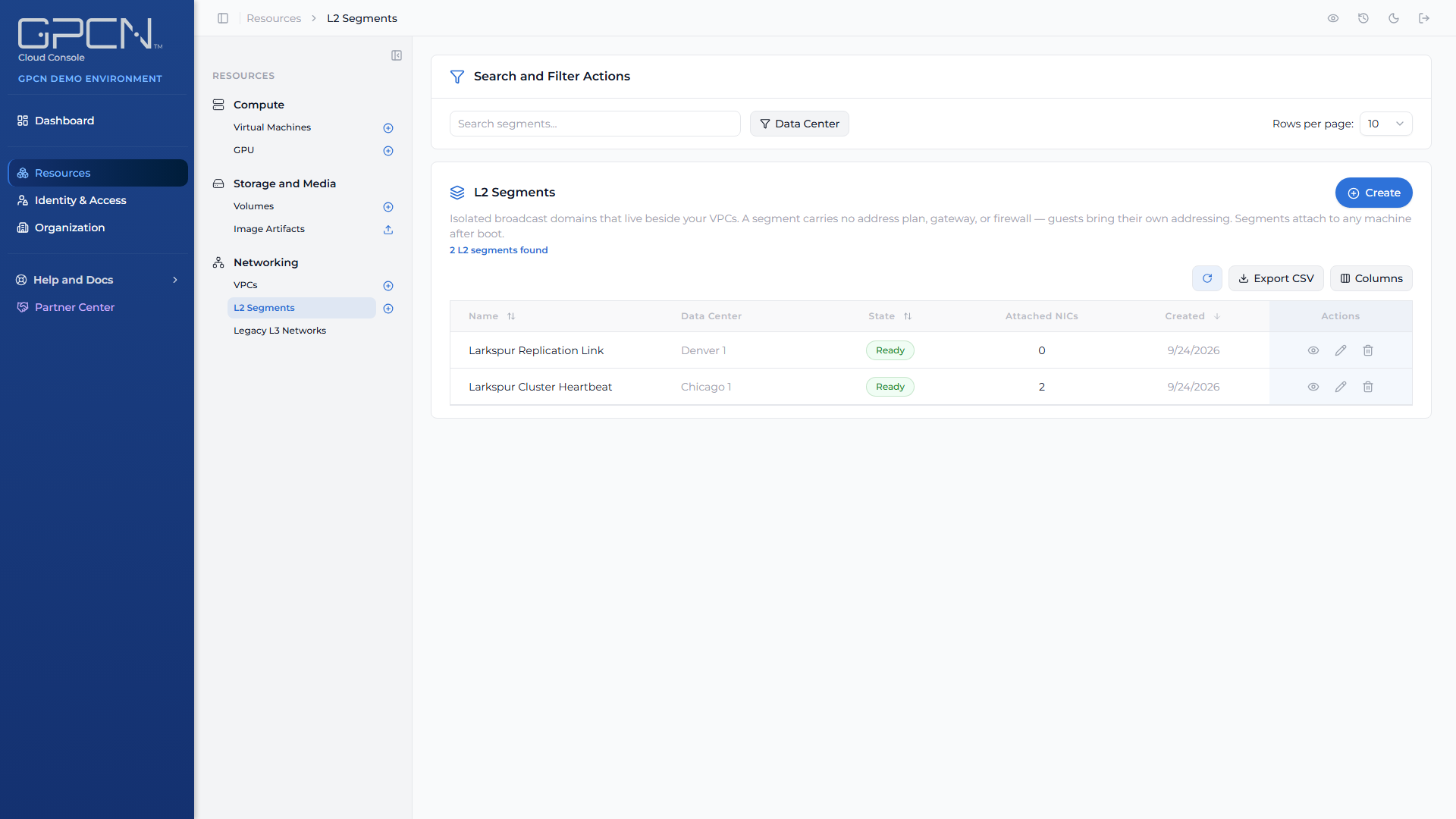
Find them at Resources → Networking → L2 Segments.
| Action | Notes |
|---|---|
| Create | Give the segment a name and an optional description, and choose a resource group |
| View | The detail page lists the machines currently attached |
| Rename | Name, description and resource group are editable |
| Delete | Detach machines first |
The list and the detail page both carry a Resource Group column or field showing each segment's group.
Resource group
Every L2 segment must belong to a resource group, which controls who can see and manage it. Nothing is preselected on create, so the create dialog opens with: "Every L2 segment must belong to a resource group. Choose one, or type a new name to create one."
The picker only lists resource groups you have permission to create L2 segments in. Search for an existing one, or type a name that doesn't match anything yet and choose Create "
Moving a segment to another resource group
The same edit dialog you use to rename a segment also shows its current resource group and lets you move it. Moving a segment changes who can see it:
Moving this L2 segment to another resource group changes who can see it: only that group's members and your organization's administrators.
The picker always offers the segment's current group, so you can pick back if you change your mind, plus any other group where you hold the l2-segment:update permission. Completing the move also needs l2-segment:update in the segment's current group.
Attaching a segment to a machine
Add a network interface to the machine and choose the L2 segment.
A segment attaches to a machine whatever else it is attached to, and it can be the machine's only network. That's the useful part: a segment is independent of a machine's routed networking, so attaching or detaching one never disturbs it.
Next Steps
- Networking → — how segments and VPCs compare
- VPCs → — routed private networking with filtering
- Network Interfaces → — attaching a segment to an existing machine
.png)