Activity Exports
Exports let you take your organization's activity record out of GPCN™ (Global Private Cloud Network™) — for a compliance review, an internal audit, or your own retention.
Find them at Organization → Compliance → Exports.
Prerequisites
- The Tenant Administrator role
- Exports enabled for your environment. If the Exports row isn't in your Compliance panel, it isn't available to you.
An export carries what you are allowed to see. It doesn't widen your access: if your view is limited to certain resource groups, or to your own actions, the export is limited the same way. See Activity.
Requesting an export
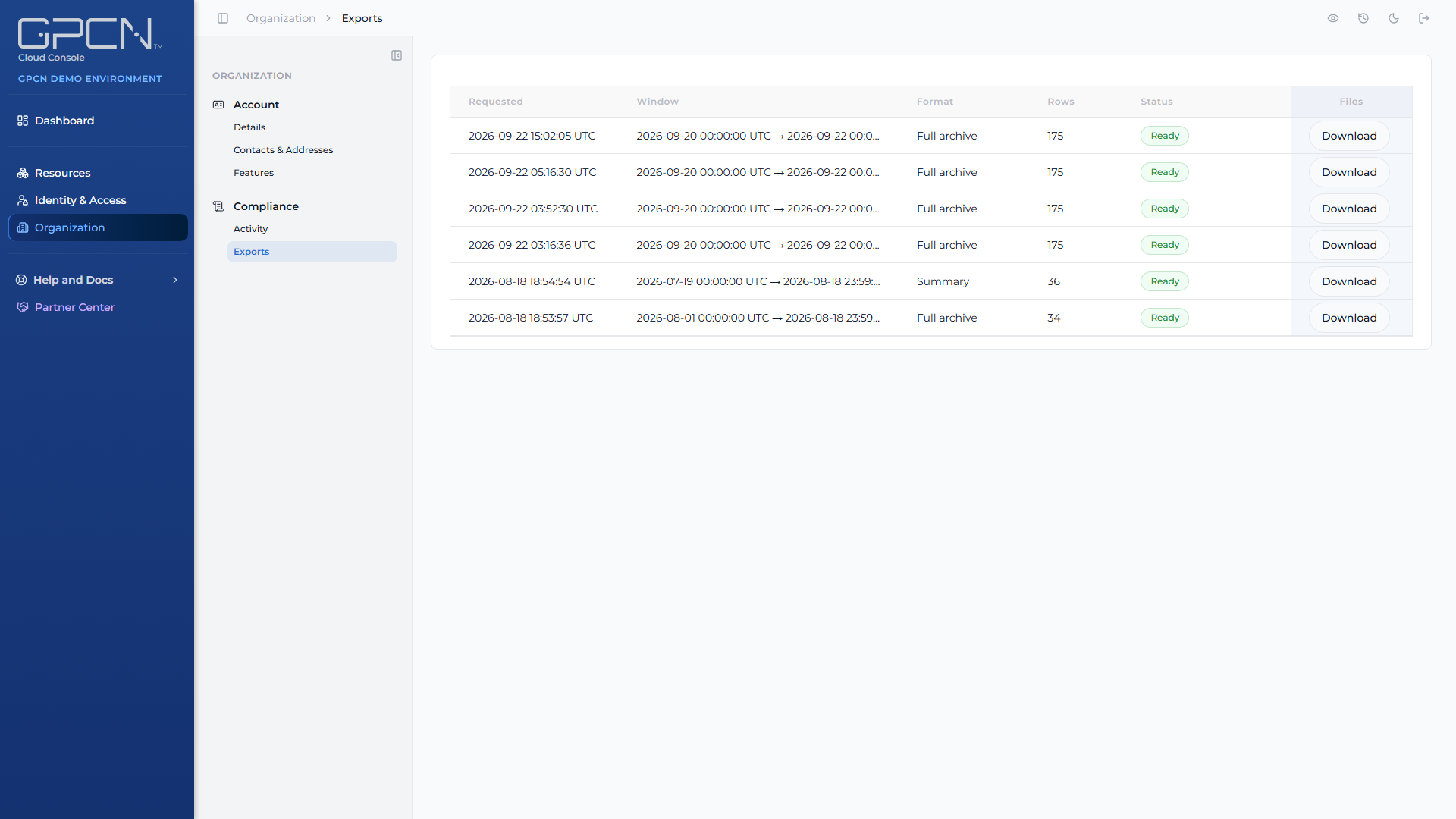
Request an export from the Exports page. Producing one runs in the background rather than downloading immediately, so a large range doesn't tie up your browser — check back for it when it's ready.
Choosing a range
Export what you need rather than everything. A narrower range produces a smaller file, finishes sooner, and is easier for whoever has to read it.
If you're exporting for a specific question — an incident, a change review — the range around that event is usually more useful than a full history.
Next Steps
- Activity → — reading the record in the portal
- Roles and Permissions → — which roles hold the audit tiers
- Getting Support → — asking about export availability
.png)