Contacts & Addresses
The people GPCN™ (Global Private Cloud Network™) contacts about your organization, and the addresses it holds for it.
Find it at Organization → Account → Contacts & Addresses.
Prerequisites
- Read access is available to every seeded role
- Changing contacts and addresses is a Tenant Administrator capability
Contacts
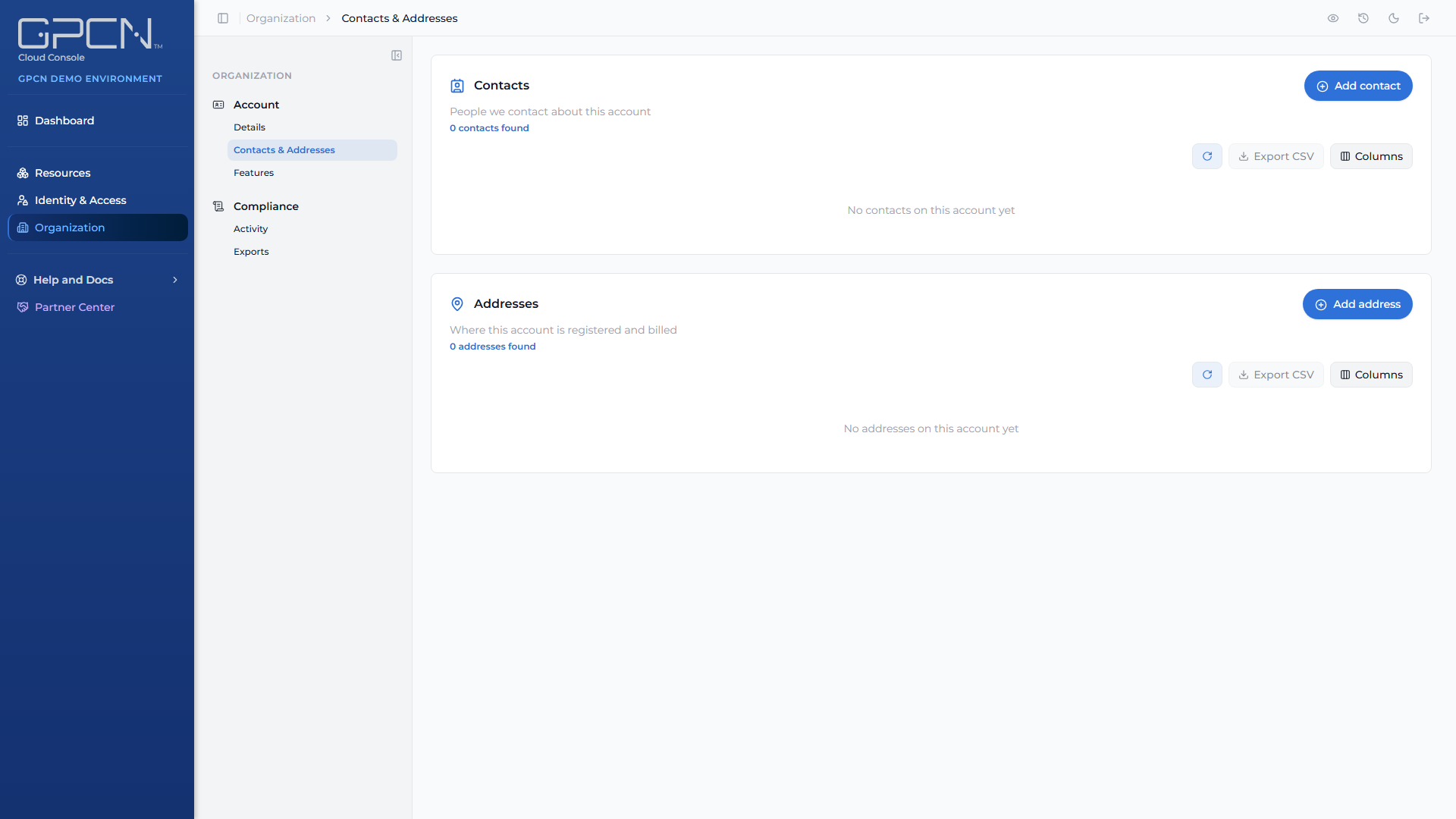
Contacts are the people GPCN™ reaches out to about your organization — separate from your GPCN™ users, because the right person for a billing question isn't always someone with a portal login.
Each contact is recorded against a contact type, so GPCN™ knows which one to use for which purpose.
Addresses
Business addresses are recorded against an address type for the same reason: a billing address and a physical site address are different things and GPCN™ keeps them apart.
Keeping these current matters more than it looks. They're what GPCN™ uses to reach you about your account, and they're the addresses that appear on your billing records.
Who can change them
Tenant Administrators can add, edit and remove contacts and addresses. Tenant Managers, Tenant Operators and Tenant Viewers see them read-only.
Next Steps
- Account Details → — your organization's own record
- Features → — what's enabled for your organization
- Users → — the people with portal access, which is a different list
.png)