Account Details
Your organization's record on GPCN™ (Global Private Cloud Network™): its name and the identifying information GPCN™ holds for it.
Find it at Organization → Account → Details.
Prerequisites
- Any role can view your organization's details
- The Tenant Administrator role to change them — see Roles & Permissions
What's here
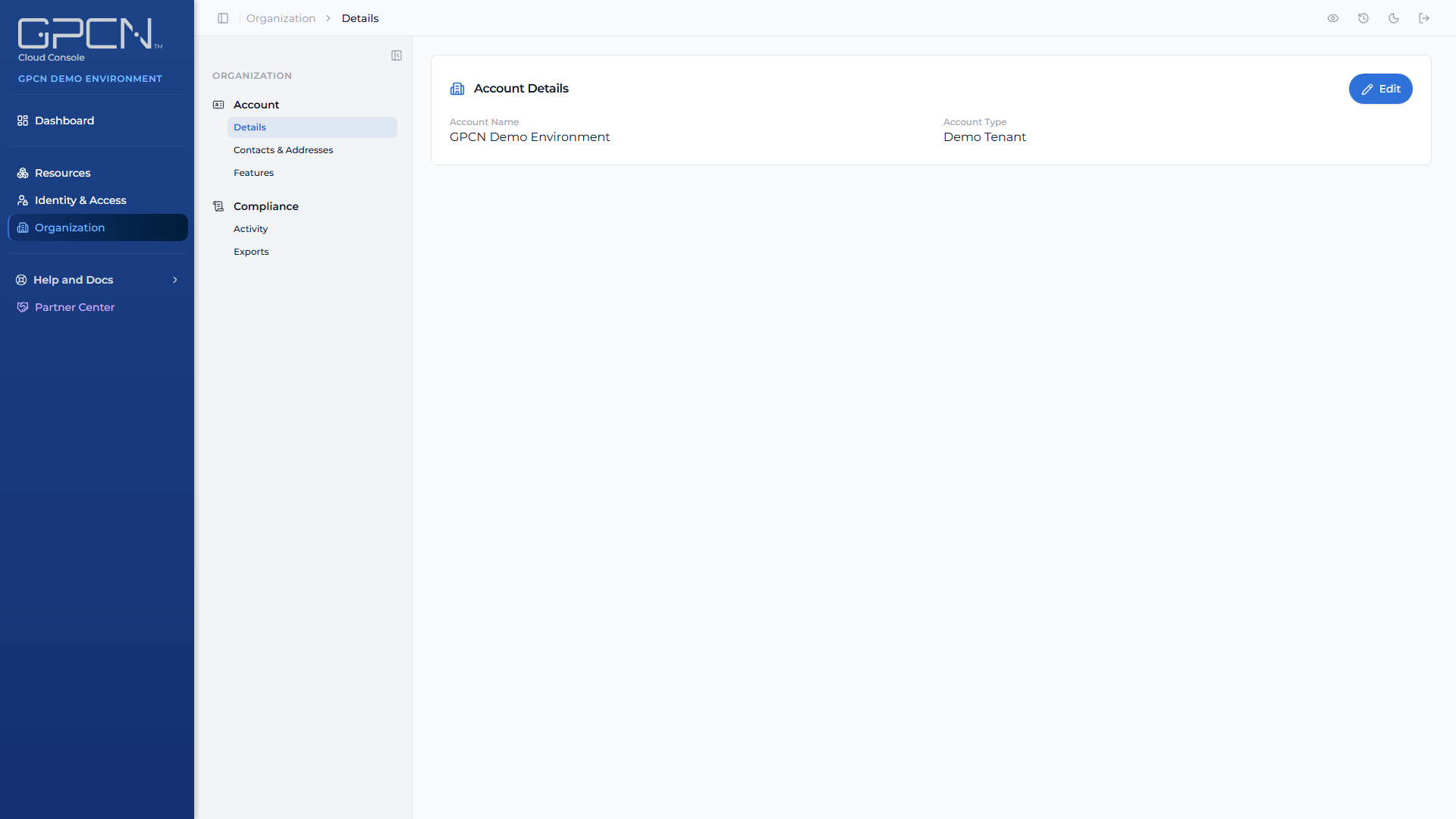
The Details page shows the organization every resource in your account belongs to. It's the top-level boundary around your machines, networks, volumes, users and resource groups.
Tenant Administrators can edit it. Tenant Managers, Tenant Operators and Tenant Viewers can see it but not change it — the controls are read-only rather than hidden, so everyone can check what GPCN™ holds.
Your organization's name is what appears at the top of the portal sidebar, so a change here is visible to everyone in it.
Next Steps
- Contacts & Addresses → — who GPCN™ contacts, and where you're billed
- Features → — what's enabled for your organization
- Users → — the people in it
- Activity → — the record of what's been done
.png)