Overview
GPCN™ networks provide private, isolated connectivity for your virtual machines. Attach one or more networks to a VM to assign it private IP addresses and control which instances can reach each other. Each network has its own CIDR range, DHCP, and DNS configuration. Two types are available: Standard networks support outbound internet access and public IP allocation; Custom networks provide basic switching for isolated segments.
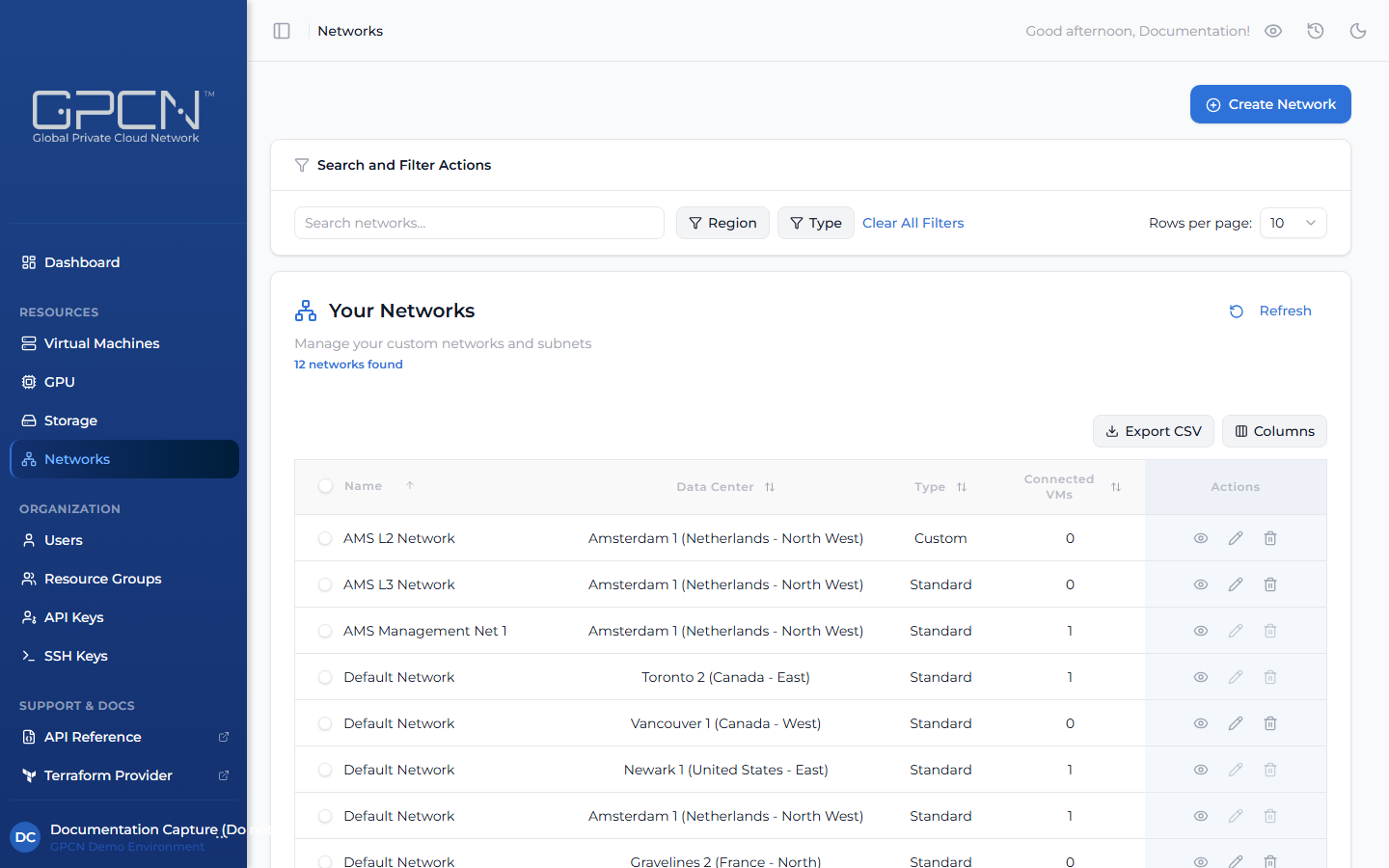
How It Works
Networks connect to VMs through network interfaces. Each interface places the VM on a network and assigns it a private IP address. The typical workflow is:
- Create a network in your region (or use an existing one)
- Attach it to a VM — either during VM creation or afterward from the VM's detail page
- The VM receives a private IP automatically via DHCP
- Optionally assign a public IP to the interface for direct internet access (Standard networks only)
Each VM supports up to 5 network interfaces, one per network. One interface is designated primary and handles outbound traffic by default.
Choosing a Network Type
| Type | Layer | Features |
|---|---|---|
| Standard | L3 (routed) | Full routing, SNAT for outbound traffic, public IP allocation, DHCP, DNS |
| Custom | L2 (switched) | Flat Layer 2 switching only — no built-in DHCP, no SNAT, no public IPs |
Use Standard for most workloads — it provides internet access via SNAT and supports public IP allocation. Use Custom when you need full control over network services, such as running your own DHCP server, firewall, or network appliance.
Key Concepts
CIDR Blocks
Each network has a CIDR block that defines its IP address range (e.g., 10.0.1.0/24 provides 256 addresses). You specify the CIDR block when creating a network. Choose a range that does not overlap with other networks your VMs are connected to.
DHCP
Standard networks include a built-in DHCP server that automatically assigns private IP addresses to connected VMs. You can configure the DHCP range (start and end addresses within the CIDR block). Leave DHCP enabled unless you have a specific reason to assign IP addresses manually. Custom networks have no built-in DHCP — use them when you want to run your own DHCP service or manage addressing yourself.
DNS
Networks can serve custom DNS nameservers to connected VMs. Configure this if your VMs need to resolve internal hostnames or use a specific DNS resolver. If left unconfigured, VMs use the system default.
SNAT (Source NAT)
Standard networks use SNAT to translate outbound traffic from private IPs to a shared public IP. This allows VMs without a dedicated public IP to reach the internet.
Public IPs
Public IP addresses are allocated per network interface on Standard networks only. See Public IPs for details.
Next Steps
- Create a Network — build a private network
- Manage Networks — edit, view connected VMs, delete
- Public IPs — allocate and release public IP addresses
.png)